PRODUCT DEMO · Synthetic data · No live submissions
The product / Context before action

From field context
to a reviewable request.

Halo RFQ helps industrial teams capture the information they have and keep the next decision in human hands.

What travels with the request

The details your reviewer
needs to ask better questions.

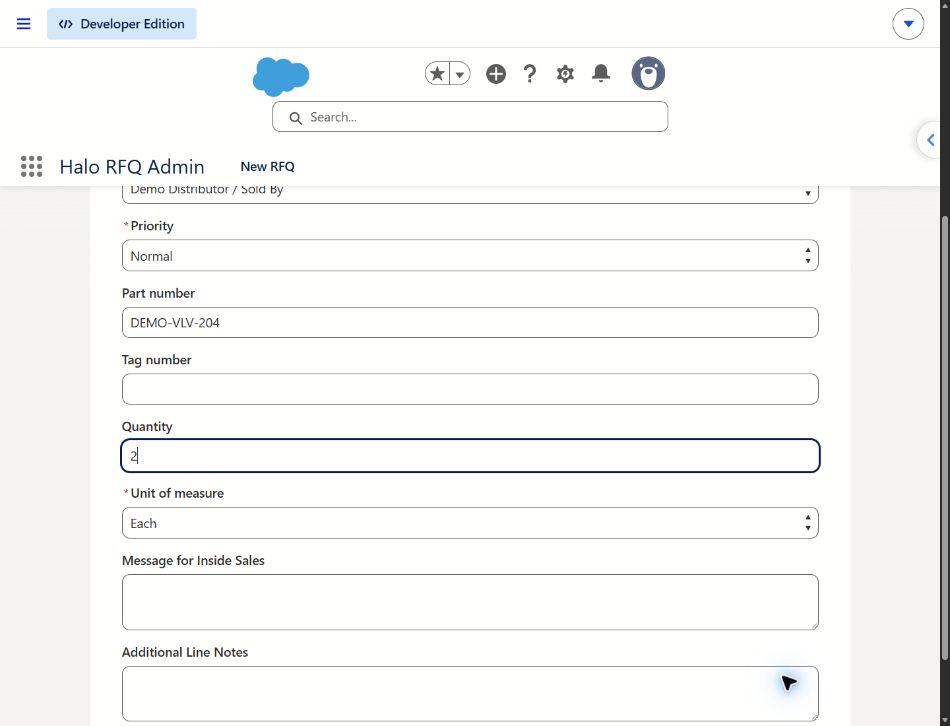
Part identifier. Quantity. Request notes. Distributor / Sold By context in the Salesforce-native workflow. Each contributes to a clearer handoff.

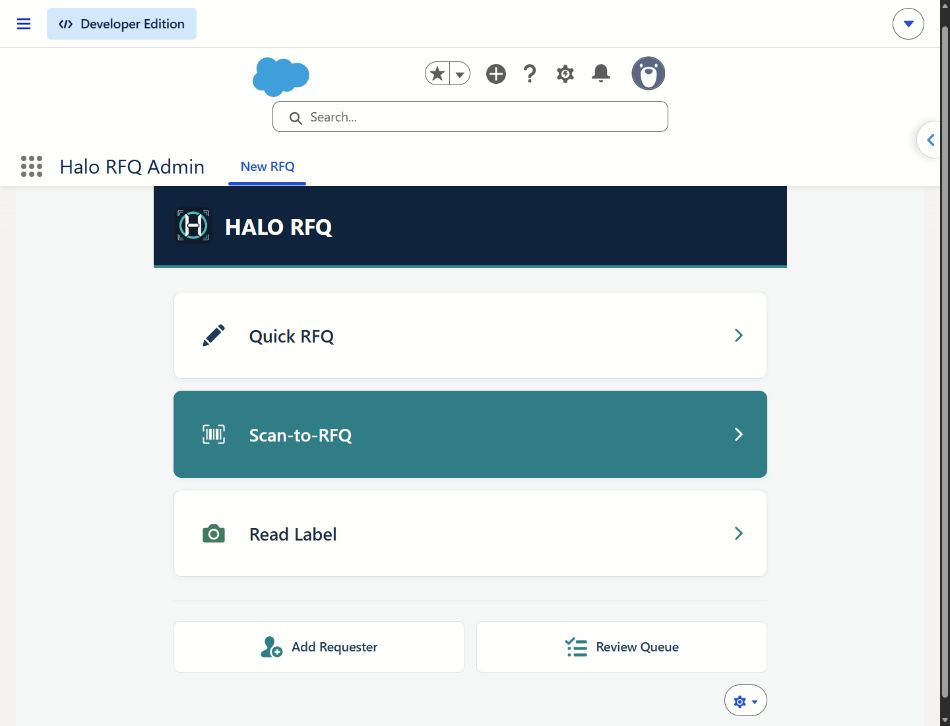
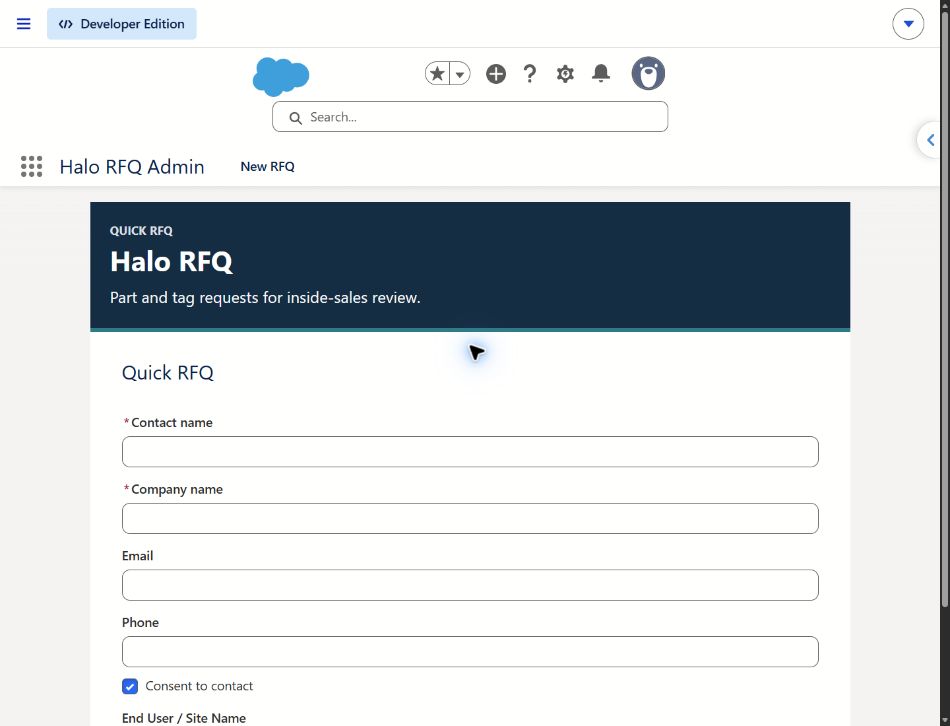
This is the deployed Salesforce-native Quick RFQ form, captured October 16, 2026 with fictional values entered on screen. The form was not submitted.

Explore the Demo ↗
Quick RFQ part details — app-focused crop of the actual deployed Salesforce-native interfaceOpen full screenshot ↗
Quick RFQ part detailsActual Salesforce-native form · Fictional, unsaved valuesApp-focused preview · Full original available above
Illustrative distributor professional reviewing a phone request at an industrial supply counter
AI-generated illustrative scenario · Fictional people and screen
A relationship worth carrying forward.

Keep the distributor in the conversation.

Distributor / Sold By context gives a reviewer a starting point for checking the existing relationship before commercial follow-up. The demo illustrates this handoff; no distributor is contacted.

Try the distributor-context step ↗

For the product interface, view the actual app screenshots.

Capability status / Reviewed October 16, 2026

Evidence over assumptions.

“Verified” below means bounded implementation evidence, not production certification. Website interactions are labeled “Demonstrated.”

Standalone

Verified locally

Known-part capture, quantity and notes; requester-scoped saved requests, search and receipts. Local QR image/camera decoding and OCR suggestions require explicit user application; phone acceptance is recorded.

Standalone has no live Salesforce connection. Distributor-context handoff and reviewer actions shown in this website are illustrative, not implemented standalone features.

Salesforce-native

Implemented source

Separate Quick RFQ, request-line, distributor-context and internal review components exist, including assignment/status controls and permission boundaries.

Subscriber configuration, license fit, catalog behavior and current end-to-end pilot acceptance require validation. A prior controlled matching issue means successful matching must not be assumed.

This demo

Demonstrated

Editable synthetic capture → distributor context → request review → demo receipt → internal review recreation.

Browser memory only. No request record, email, routing, camera access, authentication or backend execution.

Email

Acceptance pending

Standalone HTML/plain-text previews and owner-run local authentication and delivery test tools exist.

ST-67 live authentication and delivery acceptance remain pending. A preview is not proof of delivery.

Connectors

Planned / proposed

Optional ERP, PIM, PLM, Sales Cloud, Service Cloud, Field Service and Manufacturing Cloud adapters are future scope.

No connector is represented as active here. Managed packaging and AppExchange listing/approval are not established.

Implementation choices

Choose a starting point.
Verify the boundary.

Evaluate the standalone workflow separately from a customer-owned Salesforce implementation. Agree on user roles, data ownership and operating responsibilities before introducing real information.

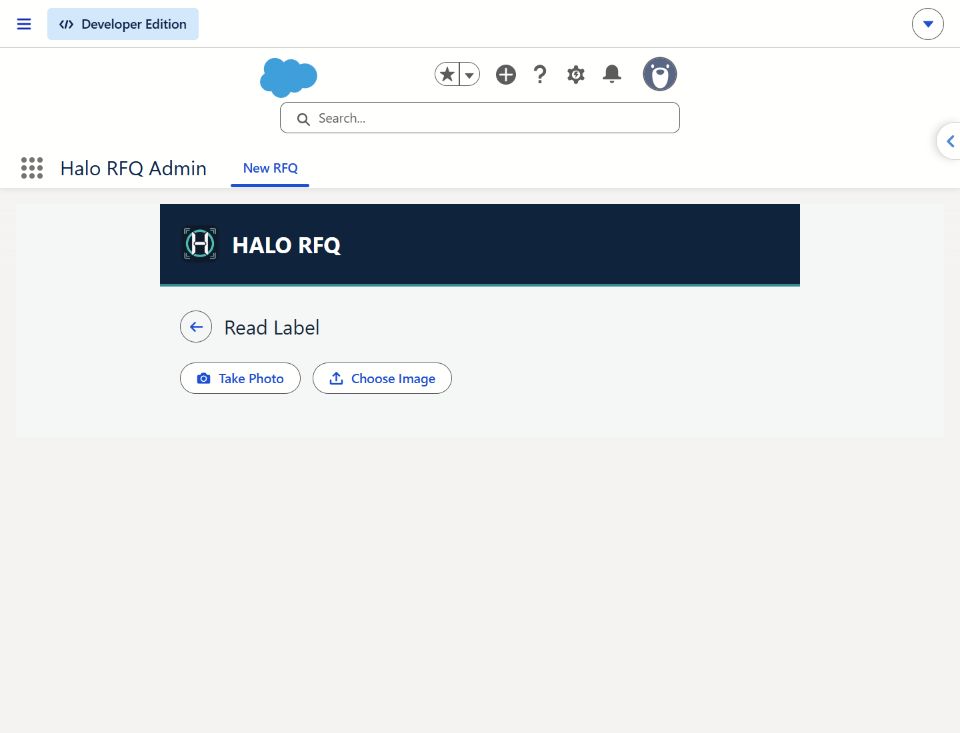
Local OCR in standalone should not be confused with autonomous part selection or the historical Salesforce photo-assisted concept.

Plan the implementation conversation →

Two implementation tracks

Standalone captureLocal request workspace · bounded evidence
Salesforce-native workflowCustom objects · subscriber configuration and validation
Future adapters require separate scope
ERP / PIM / PLM and other systemsProposed · no active connection in this demo
Put the handoff to the test

See the context.
Explore the conversation.

A synthetic walkthrough today. A scoped pilot conversation next.

Explore the Demo ↗
Pilot conversation guide

Start with the handoff.

Bring one product family, a field-user scenario and the reviewer’s definition of a complete request.

Your email. Your decision to send.

Open a draft to halobusinesssystems@gmail.com in your email app. Nothing is sent automatically. This site collects no contact details.

Open pilot email draft ↗